
Navigating the Digital Playground: Discovering Popular Android Games for Kids
In today’s digital age, smartphones and tablets are more than just communication devices; they are portals to vast worlds of entertainment, learning, and creativity. For children, these devices often represent a digital playground, offering a seemingly endless supply of games. While screen time is a topic often debated among parents, the reality is that digital games, when chosen wisely and managed appropriately, can offer significant benefits, from boosting cognitive skills and problem-solving abilities to fostering creativity and providing educational content in engaging ways.
However, the sheer volume of options available on the Google Play Store can be overwhelming. Not all games are created equal, and finding titles that are not only fun but also age-appropriate, safe, and potentially enriching requires a little guidance. This article aims to navigate that digital playground, highlighting some of the most popular and well-regarded Android games that kids love and parents can feel good about.
The Role of Gaming in a Child’s Development
Before diving into specific titles, it’s worth considering the potential impact of gaming on children. On the positive side:
-
- Educational Value: Many games are specifically designed to teach core subjects like math, reading, science, and logic through interactive play.
- Cognitive Skills: Puzzles, strategy games, and adventure games can improve problem-solving, critical thinking, memory, and spatial reasoning.
- Creativity and Imagination: Sandbox games and building games allow children to create their own worlds and express their imagination freely.
- Hand-Eye Coordination and Fine Motor Skills: Interacting with touch screens requires precise movements and improves dexterity.
- Social Skills: Multiplayer games (though less common in the youngest age groups) can teach teamwork and communication, while single-player games often feature characters and narratives that can spark conversations.
However, it’s crucial to acknowledge the potential downsides:
- Excessive Screen Time: Uncontrolled gaming can lead to sedentary behavior, neglect of other activities (schoolwork, physical play, social interaction), and disrupted sleep patterns.
- Inappropriate Content: Not all games are suitable for all ages. Violence, mature themes, and excessive consumerism (through aggressive in-app purchases or ads) are real concerns.
- Addiction Potential: Some game designs can be highly addictive, making it difficult for children to disengage.
- Exposure to Ads and In-App Purchases (IAPs): Free games often rely on ads, which can be distracting or expose children to inappropriate content. IAPs can lead to unexpected costs if not managed carefully.

The key takeaway is that responsible gaming is about balance and mindful selection. Choosing the right games is the first step.
Criteria for Choosing Kid-Friendly Android Games
When sifting through the vast options, here are some factors to consider:
- Age Appropriateness: Check the game’s age rating (ESRB, PEGI) and read reviews from other parents. Does the content, complexity, and theme match your child’s developmental stage?
- Educational or Positive Value: Does the game offer opportunities for learning, creativity, or positive skill development? Or is it purely for passive entertainment?
- No or Minimal Ads: Aggressive pop-up ads are disruptive and potentially expose children to unwanted content. Look for games that are ad-free, offer an ad-free paid version, or have clearly marked, non-intrusive ads.
- Responsible In-App Purchases (IAPs): Be wary of games that constantly push IAPs, especially those that give players a significant advantage or are necessary to progress. Look for games with no IAPs or where IAPs are purely cosmetic or clearly marked and require parental permission.
- Intuitive and Engaging Gameplay: Is the game easy for your child to understand and play? Is it fun and challenging enough to keep them interested without being frustrating?
- Developer Reputation: Research the game developer. Do they specialize in kids’ games? Do they have a good track record for safety and quality?
Popular Android Games Kids (and Parents) Love
Based on popularity, positive reviews, and adherence to kid-friendly criteria, here are some top contenders across various genres:
- Toca Life World:
- What it is: A massive digital dollhouse/sandbox game where kids can create characters, build locations, tell stories, and explore a vibrant, quirky world. It combines all the previous “Toca Life” apps into one giant universe.
- Why it’s great for kids: Unparalleled creative freedom and open-ended play. There are no goals, scores, or rules, just pure imaginative fun. It encourages storytelling and role-playing. Toca Boca is known for its high-quality, kid-safe apps with no third-party ads or aggressive IAPs (though there are many expansion packs available for purchase within World, the base game offers plenty).
- Age Range: 6-8 and up, but younger kids can enjoy exploring with help.
- Minecraft:
- What it is: The globally popular sandbox game where players explore blocky 3D worlds, gather resources, craft tools and structures, and survive against creatures (in Survival mode) or build anything imaginable with unlimited resources (in Creative mode).
- Why it’s great for kids: Promotes creativity, problem-solving, spatial reasoning, and planning. It’s essentially digital LEGOs with adventure elements. The mobile “Bedrock” edition is widely available and supports multiplayer. Parents can control settings like difficulty and multiplayer access.
- Age Range: 8 and up (due to complexity and mild combat in Survival mode), but younger kids can enjoy Creative mode with guidance.
- Khan Academy Kids:
- What it is: A completely free, educational app designed by experts, offering thousands of interactive activities, books, videos, and games covering subjects like early literacy, math, logic, and social-emotional learning.
- Why it’s great for kids: High-quality, comprehensive educational content tailored to young learners. It adapts to the child’s level. It is 100% free with absolutely no ads or IAPs, supported by the non-profit Khan Academy. Features adorable animal characters that guide children.
- Age Range: 2-8.
- Sago Mini World:
- What it is: A subscription-based app (or individual Sago Mini apps are available) offering a collection of dozens of delightful, open-ended play experiences designed for preschoolers. Kids explore different scenes (a city, a forest, space), interact with cute characters, and discover hidden animations and surprises.
- Why it’s great for kids: Focuses on gentle, exploratory play perfect for young children. Encourages curiosity and imaginative scenarios. Sago Mini is another developer known for creating safe, ad-free environments for kids. The games are intuitive and non-stressful.
- Age Range: 2-5.
- PBS KIDS Games:
- What it is: A free app featuring a large collection of educational games based on popular PBS KIDS television shows like Daniel Tiger’s Neighborhood, Wild Kratts, Alma’s Way, and Curious George.
- Why it’s great for kids: Leverages beloved characters to teach a variety of skills – science, math, reading, social-emotional learning. The games are designed in conjunction with educational experts. It’s free and generally ad-free, offering a safe space tied to trusted children’s programming.
- Age Range: 3-8, depending on the specific game.
- Think!Think!:
- What it is: A puzzle game app designed to develop cognitive skills such as spatial reasoning, memory, critical thinking, and problem-solving through short, engaging mini-games.
- Why it’s great for kids: Specifically targets cognitive development in a fun, game-like format. The games are often based on puzzles used in educational settings. It offers a structured approach to challenging young minds.
- Age Range: 4-12.
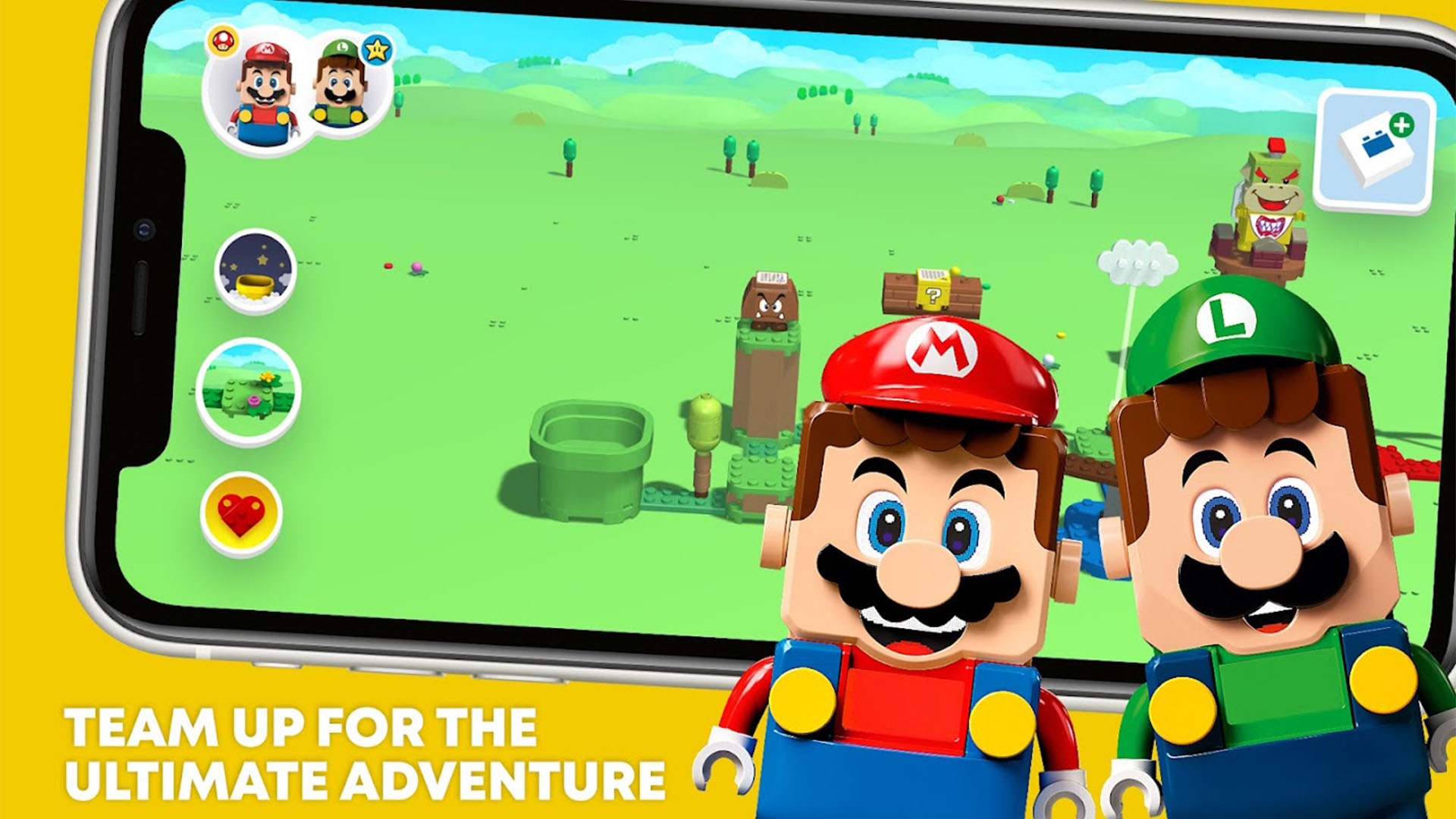
- LEGO Life / LEGO Games:
- What it is: LEGO offers various apps, from the social network-like LEGO Life (where kids can share their creations) to specific game apps based on their themes (LEGO City, LEGO Friends, LEGO Star Wars, etc.).
- Why it’s great for kids: Extends the creativity and world of LEGO into the digital space. Games often involve building, problem-solving, and adventure. LEGO is a trusted brand, and their apps are generally well-designed and age-appropriate, though some may contain IAPs or links to other LEGO content.
- Age Range: Varies by app, generally 5 and up.
- Dr. Panda Games:
- What it is: A series of role-playing and exploration games featuring friendly animal characters in various settings like a town, a hospital, a restaurant, or a school.
- Why it’s great for kids: Encourages imaginative play and helps kids learn about real-world scenarios and professions in a safe, low-stress environment. The games are open-ended and focus on interaction and discovery. Dr. Panda is another developer known for creating safe, intuitive games for young children.
- Age Range: 3-6.
Important Considerations for Parents
Simply downloading great games isn’t enough. Responsible management is key:
- Set Clear Time Limits: Establish consistent rules about when and for how long your child can play. Use device-level parental controls or apps to help enforce limits.
- Play Together: Engage with your child’s gaming. Ask them about what they’re doing, play alongside them, and use the game as a springboard for conversations or learning opportunities. This also helps you understand the game content.
- Utilize Parental Controls: Android and the Google Play Store offer robust parental control features. Set up profiles, restrict content based on age ratings, require passwords for purchases, and disable in-app purchases altogether.
- Review Permissions and Privacy: Before installing a game, check what permissions it requests. Be mindful of games that ask for access to contacts, location, or other unnecessary data. Read the


